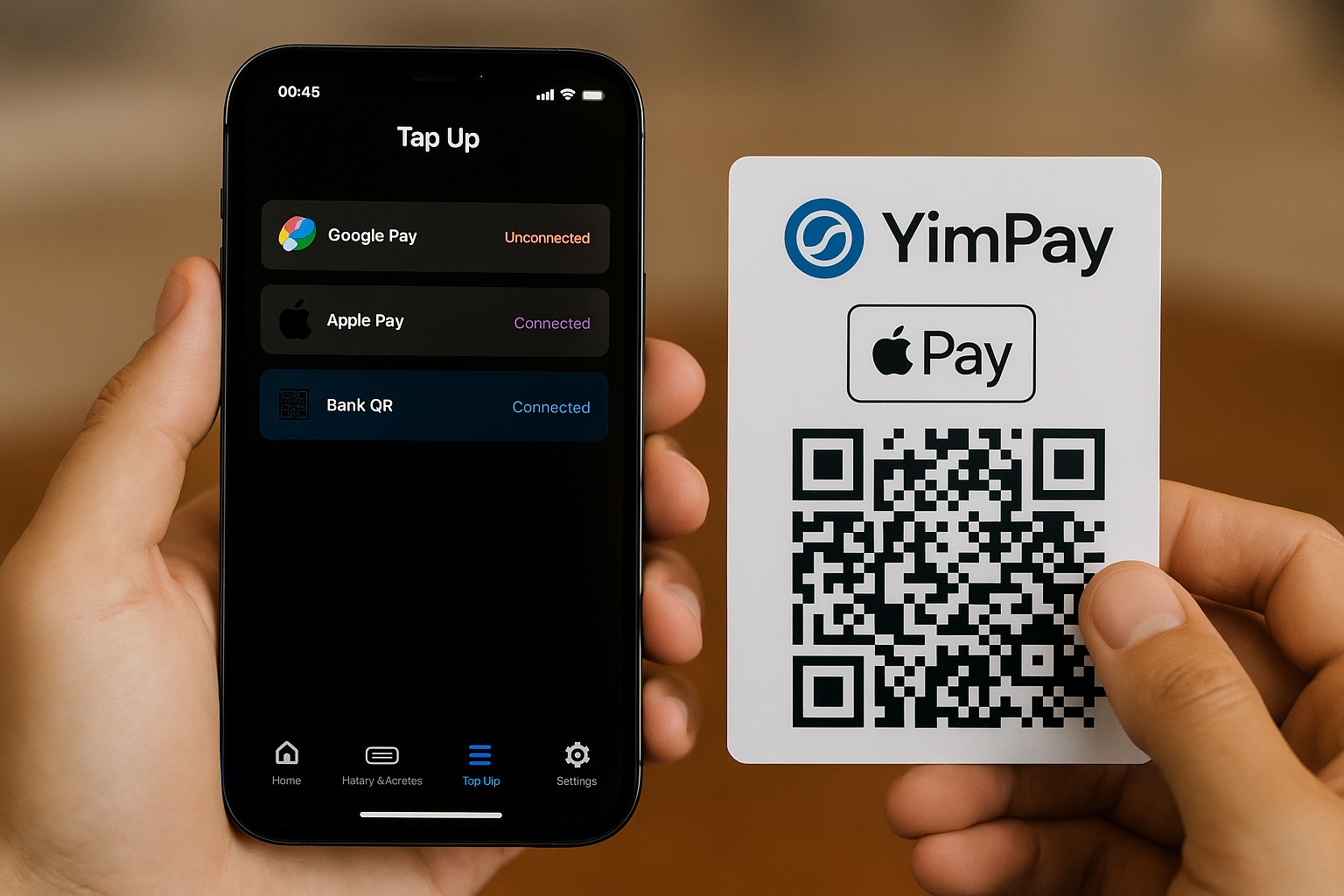
How It Works:
When you open the TapUp View screen, you'll see the following options:
- Google Pay (for Android users):
If you’re using an Android phone, you can quickly top up with Google Pay. Tap the Google Pay button, confirm the amount, and the top-up happens instantly. - Apple Pay (for iPhone users):
For iPhone users, simply choose Apple Pay. You’ll confirm your Apple Pay details (Face ID, Touch ID, or passcode), and the top-up is done in seconds. - QR Bank Transfer:
If you prefer to use your bank directly, you can select QR Bank. The app will show a QR code, which you scan with your banking app to transfer funds directly to your Yimpay wallet.
After you select your method, you'll see the amount you want to top up (e.g., 100, 300, or 500 THB). After confirming, the screen will show your new balance and a success message in seconds. You’ll also have the option to view your top-up history or get a receipt.
Why TapUp View Is Easy:
No matter your payment method, the TapUp View is simple:
- Tap & Go: You just tap, choose an amount, and confirm.
- Multiple Payment Methods: Whether you prefer Google Pay, Apple Pay, or QR Bank, you have options for every situation.
- Instant Top-Up: Your Yimpay wallet is topped up in just a few seconds, with no waiting.
Whether you’re on the go or relaxing at home, TapUp View makes topping up your wallet smooth and quick, using your preferred payment method.