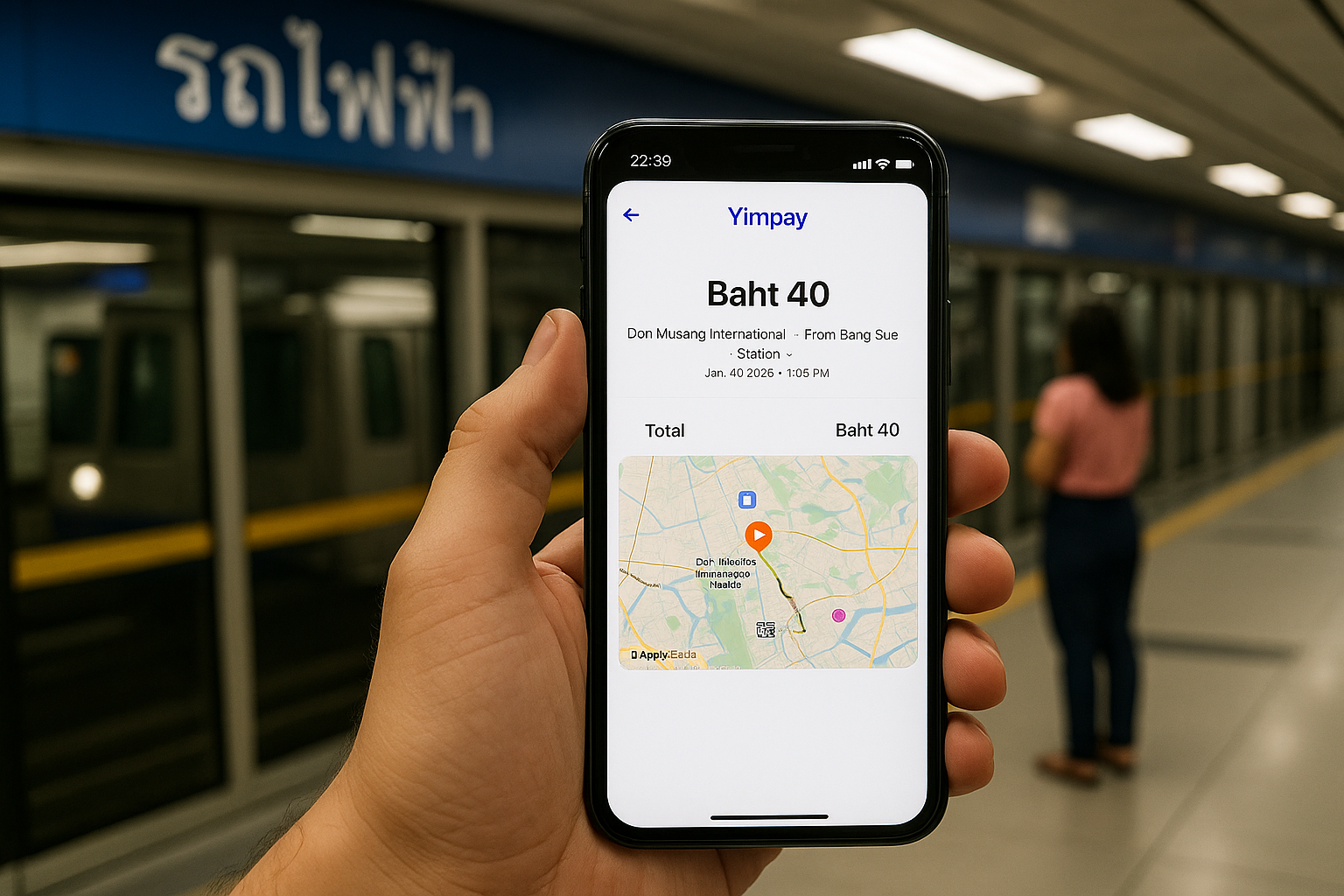
When you finish a trip, such as a train ride to the airport, the History Popup will appear with these details:
- Trip Summary: A quick message like “Train to Airport.”
- Route Information: The departure station and destination station, such as "From: Central Station" to "To: Airport Station."
- Time and Date: The exact time you tapped in and tapped out.
- Fare Deducted: How much was charged for this trip, for example, “100 THB.”
- Journey Duration: How long the trip took, like “35 minutes.”
Other Features:
- Trip Confirmation: You can quickly check that the correct amount was deducted, with a message like, "Your fare has been successfully deducted."
- Link to Travel History: At the bottom of the popup, you’ll see an option to View Full History. This will take you to the Travel History page for a detailed look at all your trips.
- Close Button: If you don’t need more details, simply tap Close to dismiss the popup and go back to your main screen.
Why It’s Useful:
The History Popup gives you instant feedback after your trip. It helps you confirm your fare and review trip details without navigating away from the current page. This makes it easier to track your travel and payments, especially for frequent journeys like commuting or traveling to the airport.